
·5 min read
TypeScript or nothing
One language from the phone to the database. Here's why every project I take on is TypeScript end to end, and why I stopped apologising for it.
One Expo codebase ships to iOS and Android without a Mac maze or two separate builds. Here's the pipeline I use, and the one feature that lets me fix a bug without waiting on Apple.
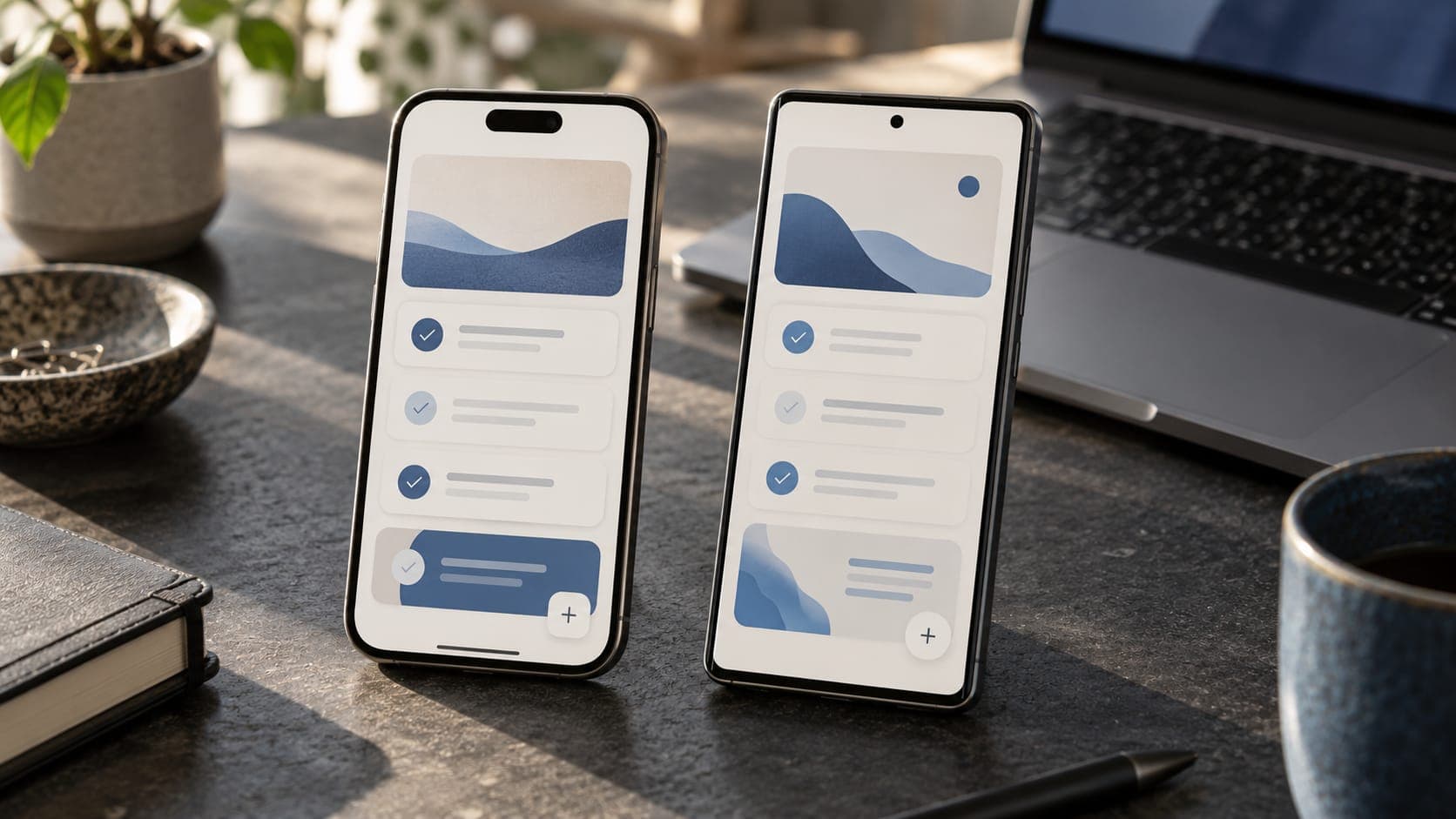
The old way to ship a mobile app was to build it twice. Swift for iOS, Kotlin for Android, two codebases drifting apart, and a Mac in the corner you needed just to make an iPhone build at all. Two of everything. Two bills.
I don't work that way, and I don't ask clients to pay for it. One Expo codebase goes to both stores. Here's the actual pipeline, and the one feature that means a bug fix doesn't have to sit in Apple's review queue for two days.
The app is Expo and React Native, written in the same TypeScript as the web. That's not a small detail. It means the validation, the types, and a chunk of the logic are shared with the web client through a package, so a change lands in both places at once. It's the same one-language argument I make for the whole stack, and it's loudest on mobile, where a second codebase is a second team you can't afford.
The client who asked for "an app version, later" is happy when later takes days, because the hard parts already exist. That only works if the phone speaks the same language as everything else.
Here's the part that used to hurt. Building for iOS meant owning a Mac, installing Xcode, wrangling provisioning profiles and signing certificates by hand, and doing a parallel dance for Android. It was a day of setup before you shipped a single screen.
EAS Build moves that into the cloud. It builds both platforms on Expo's machines, manages the signing credentials for you, and hands back an installable binary. I don't need a Mac to make an iPhone build. The build recipe lives in one file, versioned with the code.
// eas.json
{
  "build": {
    "production": {
      "ios": { "autoIncrement": true },
      "android": { "autoIncrement": true }
    }
  }
}
One command per platform, or both at once, and the machine that hated you is now someone else's problem.
One source of truth. Full builds go through the stores. JS-only fixes take the shortcut over the air.
eas build makes the binaries, eas submit uploads them to App Store Connect and the Play Console, and eas update handles the shortcut in the next section.
This is the feature that changes how it feels to run a live app.
A store update is slow by nature. You submit, Apple reviews, and you wait. For a typo or a broken button, waiting two days is absurd. EAS Update lets me push JavaScript and asset changes straight to installed apps, over the air, no review queue. A user opens the app and quietly has the fix.
The rule that keeps you out of trouble: over-the-air updates cover the JavaScript layer, not the native one. Change a color, fix logic, adjust a screen, that ships instantly. Add a native module or a new permission, and you need a real build through the store again. Learn that line and OTA is a superpower. Ignore it and you'll ship an update that references native code the installed binary doesn't have.
One codebase does not mean one identical destination. The stores have their own personalities, and pretending otherwise is how launches slip.
Apple's review is stricter and slower, and it will reject you for things Google never mentions: a permission you don't justify, a login flow it doesn't like, a screenshot that oversells. Google's review is faster and lighter, but its own quirks show up around background work and permissions.
Push notifications route differently under the hood, through APNs on iOS and FCM on Android, though Expo's notification layer papers over most of that. Plan for the review gap especially. When a client wants a hard launch date, iOS is the one that decides whether you hit it.
I'll keep it honest. The first setup of credentials and store listings is genuinely fiddly, once per app, and worth doing carefully because it haunts you later if you rush it. Some native modules aren't in Expo's managed flow and need a config plugin or a development build, which is a step up in complexity. And Apple can reject you late, for reasons that feel arbitrary, which is why I never promise a store date I don't control.
None of that outweighs the win. One codebase, one language, two stores, and OTA for the small stuff. That's a solo builder shipping like a team.
Correct. EAS Build compiles the iOS app in the cloud and signs it for you. You need an Apple Developer account for the store, not a Mac on your desk.
Yes. Types, validation, and framework-agnostic logic live in a shared package that both the web and mobile clients import. UI is separate, because a phone doesn't render a <div>, but the expensive parts are shared.
An OTA update reaches users in minutes. A store review runs hours to a couple of days, longer on iOS. That gap is exactly why you keep fixes on the JavaScript side when you can.
Yes. The player app in the RacketMania build is Expo, shipping to both stores from one codebase, with real payments and real-time features. It holds up.
Building a mobile app twice made sense when the tools forced it. They don't anymore. One Expo codebase, cloud builds that skip the Mac maze, and over-the-air fixes for everything short of native code. That's the setup I reach for, and it's most of why "we'll want an app too" stopped being a scary sentence.
If that's on your roadmap, here's how I approach mobile. Or just tell me what you're building and we'll figure out whether it wants an app at all.
Prabir Singh
Full-stack engineer from Mumbai. Twenty years in sales, now I build products that sell. More about me or start a project.
One language from the phone to the database. Here's why every project I take on is TypeScript end to end, and why I stopped apologising for it.

Express shaped a generation of Node APIs. Here's why my new backends start with Hono instead, and the three places it actually changes how I build.

Two React full-stack frameworks, one decision. Here's how I actually choose between Next.js and TanStack Start, and the projects where each one wins.